An API Key is required when calling AiToEarn Open Platform APIs. Most Open Platform APIs use the following request header:
Treat your API Key as a private credential. Do not commit it to public repositories, frontend source code, screenshots, chat logs, or client packages. In production, store it on your server and call AiToEarn APIs from your backend.

Choose a Site

API Keys are bound to the site where they were created. Choose the site that matches your publishing target.

Create an API Key

  1. Sign in to AiToEarn.
  2. Click API Keys in the left sidebar to open the API Key management page.
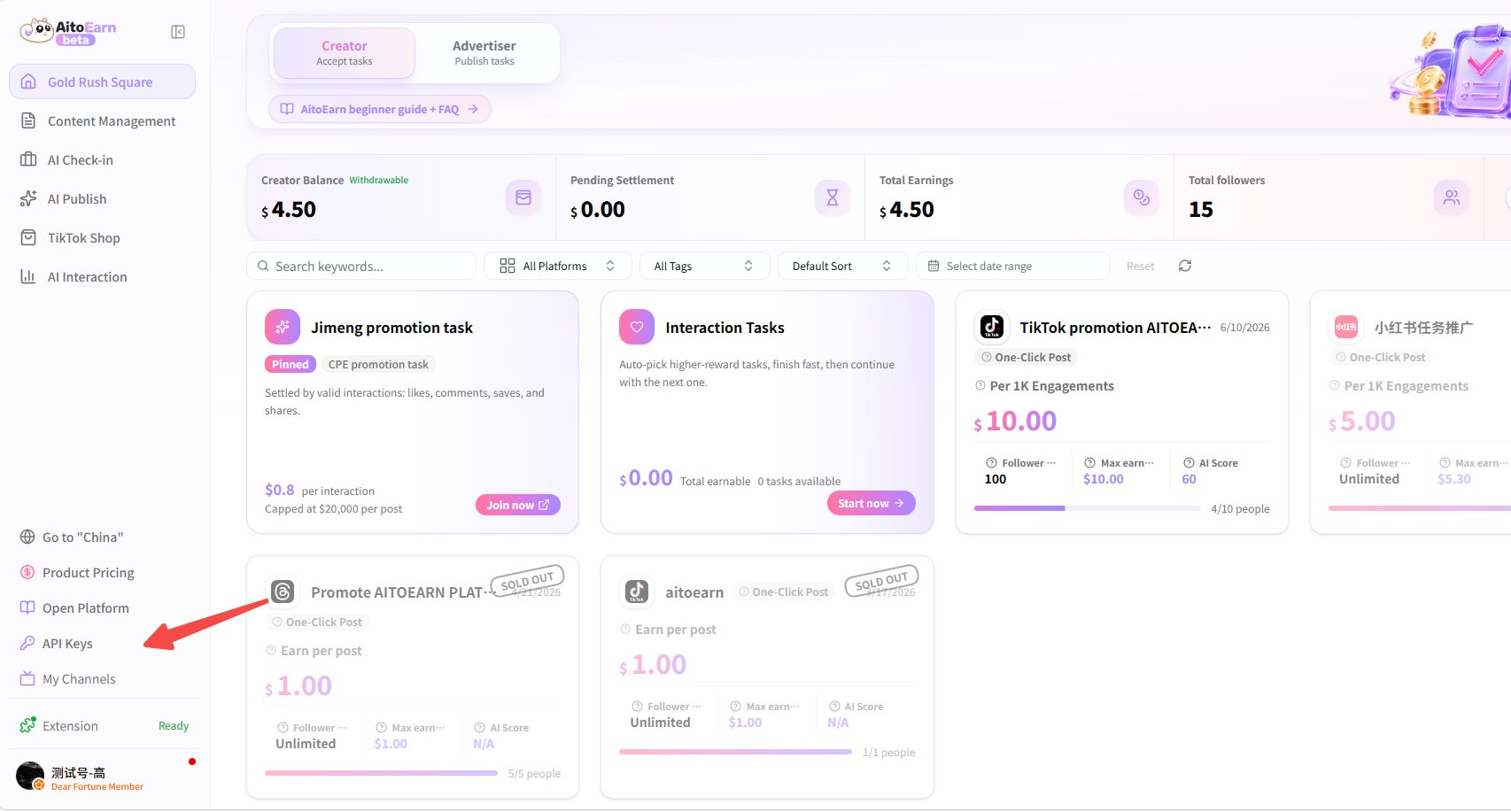
Open API Keys from the sidebar
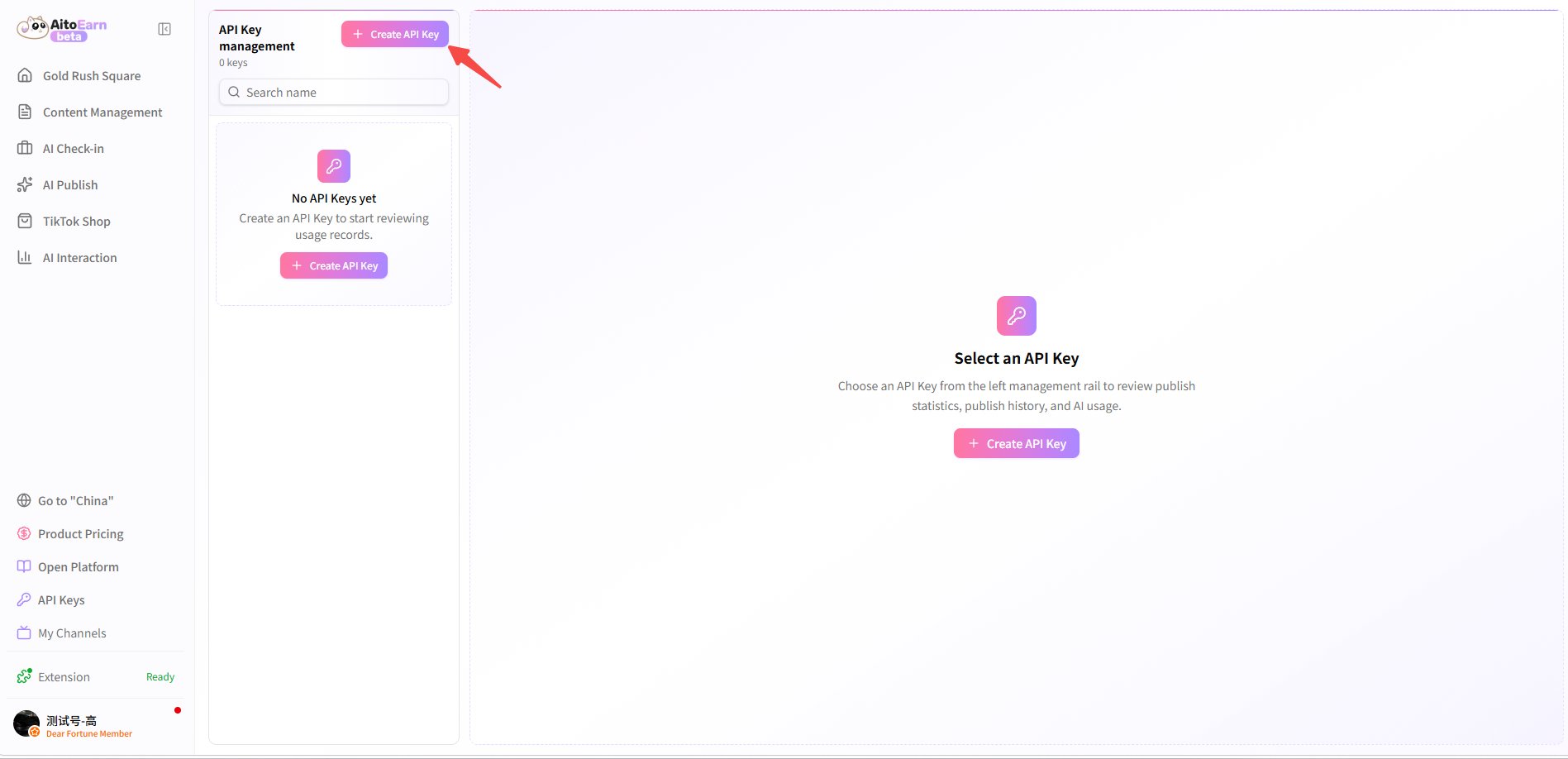
  1. Click Create API Key.
Click Create API Key
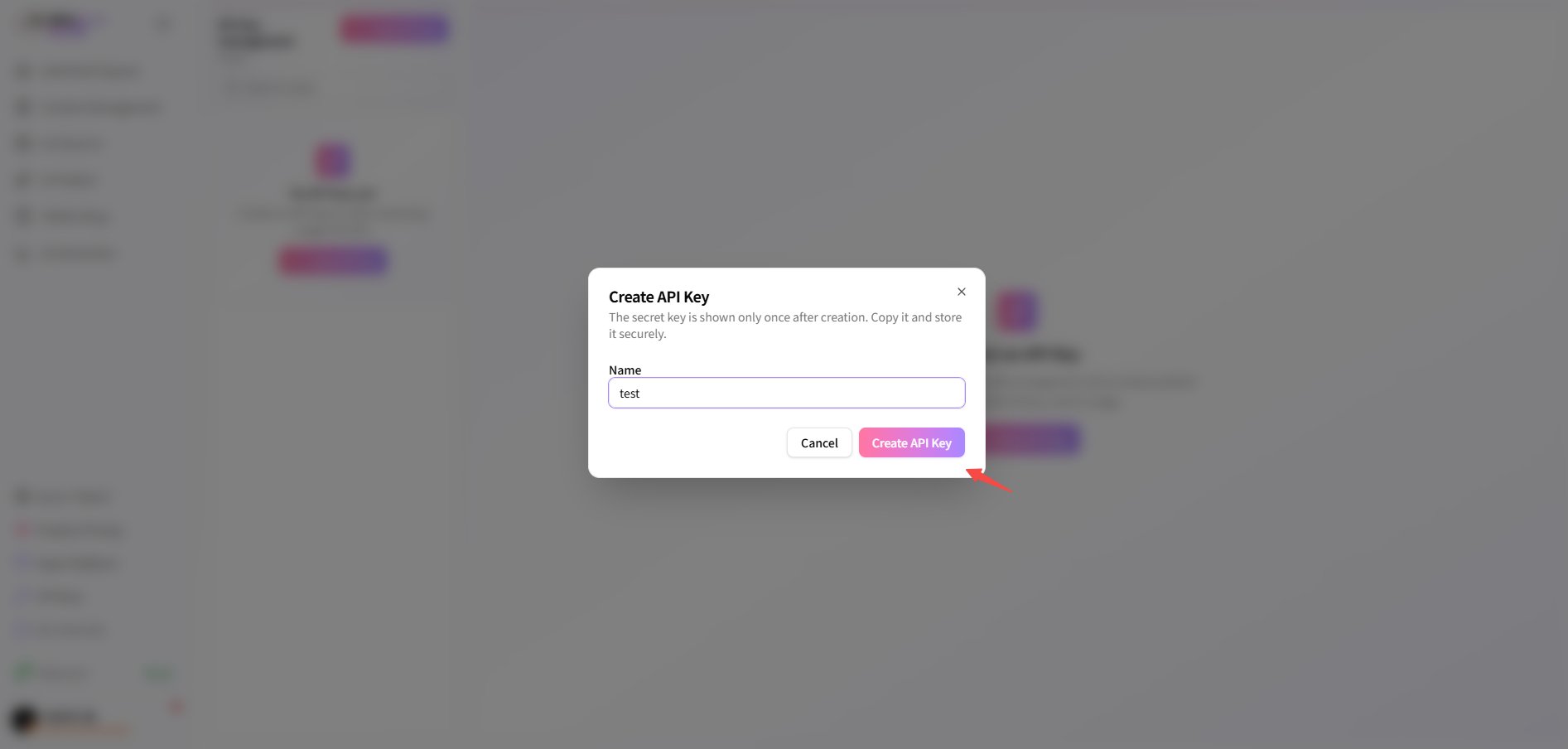
  1. Enter a recognizable name, for example publish-demo, then click Create API Key.
Enter a name and create the API Key The secret key is shown only once after creation. Copy it immediately and store it somewhere secure.

Next Step

After creating an API Key, continue with Publishing flow or one of the AI generation tutorials.